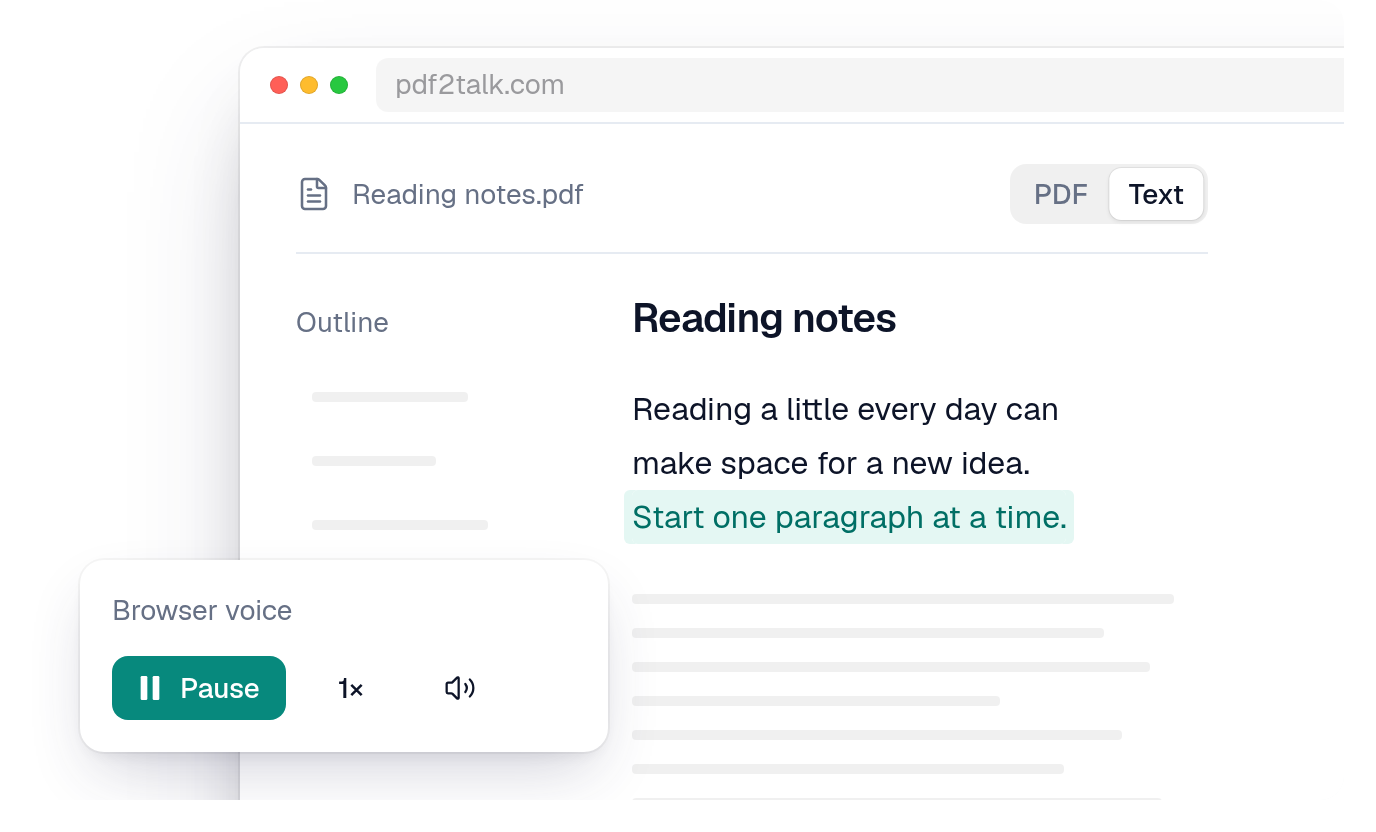
PDF to Podcast or Read-Aloud? Choose the Audio You Actually Want
Decide between turning a PDF into a podcast-style overview and listening to its extracted source text, with clear limits for each approach.

By PDF2Talk Team
Published · 5 min read

Choose a PDF-to-podcast tool when you want an adapted overview or an episode you can edit for an audience. Choose read-aloud when you want to hear the document’s available wording while keeping the page nearby. The difference is what happens to the source between upload and listening.
PDF2Talk offers the second workflow. It does not generate podcast scripts, summaries or published episodes. This guide is written by its team and does not rank generator audio quality.
Hear the difference in one small example
Invented source paragraph: “The project can proceed only if the supplier passes the safety review. The estimate excludes installation. Approval is required before an order is placed.”
Author-written illustrative overview: “The report outlines a possible project and its estimated cost.”
Source-text narration input: the three original sentences, assuming they were extracted correctly.
The overview above is deliberately incomplete. It gives orientation but drops three decision-changing details: the safety condition, the installation exclusion and the approval requirement. It is not output from Jellypod or any tested generator. A carefully reviewed adapted script could preserve all three; rewriting does not inevitably lose them.
The lesson is to choose the coverage your next task requires. If you want to identify which section deserves attention, an overview can help. If you need to act on a condition or quote an exclusion, inspect the original passage. A source-text voice can keep the wording available, but only when extraction has preserved it.
Choose the deliverable before the subscription
- Private source-text listening: look for a reader that keeps the document accessible and lets you return to the passage.
- An overview for orientation: look for a generator whose script you can inspect against the source.
- An edited host conversation: check script corrections, speaker controls and the production steps you need.
- A file for another player: verify download access and its allowance explicitly.
- An episode for an audience: verify export or hosting, source permissions and applicable audio-use terms.
A play button is not an export feature, and a downloaded file is not automatically an RSS-published episode.
What a podcast generator adds
Jellypod’s PDF-to-podcast page describes adapting a PDF into an episode with script editing and download or publishing options under applicable plans. That is a vendor-described production workflow, not a hands-on assessment of its output.
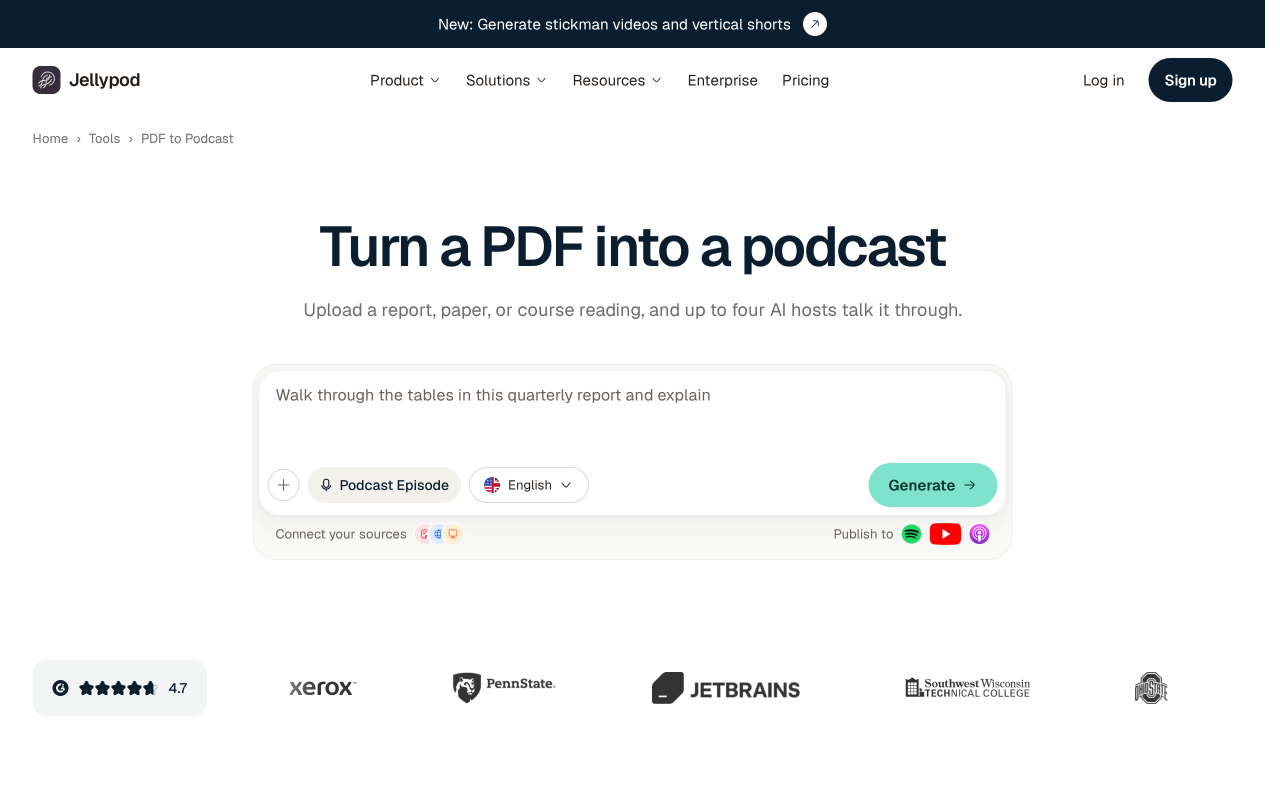
Those production steps are useful when an audience needs an edited explanation. They can be unnecessary work if your goal is simply hearing the next section of a report. Check whether you can review the script before generating or sharing audio, and whether your plan includes the output you intend to deliver.
What read-aloud preserves, and where it can fail
A text-to-speech reader speaks extracted words without intentionally recasting them as a host script. However, extracted text may omit image-only pages, mix columns or interrupt a sentence with a footnote. Chart relationships may never appear in that stream.
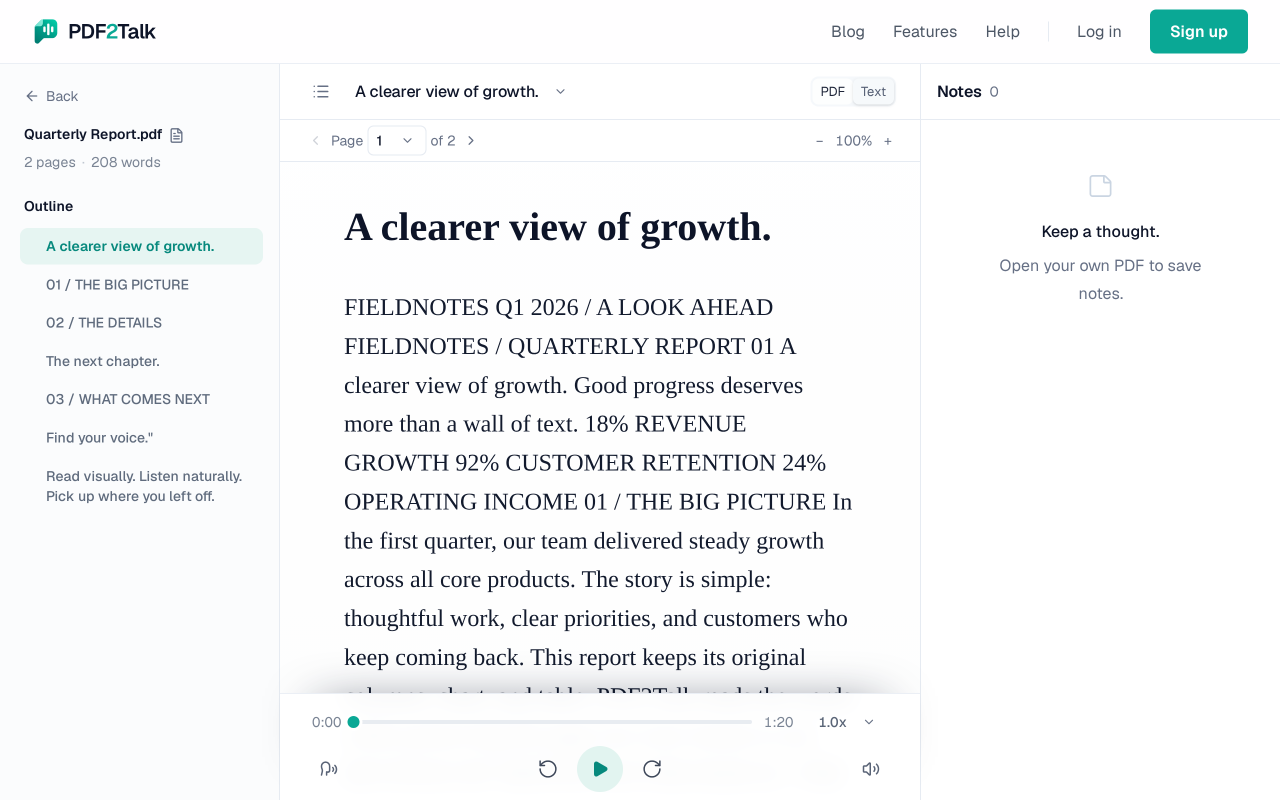
Compare a paragraph with the original page before relying on narration. PDF2Talk has no OCR; scans need a text layer added elsewhere. If the words are scrambled, seek a cleaner source. If a value’s meaning depends on a table heading, pause and inspect it visually. A more natural voice cannot restore an omitted sentence.
Use this source-check card for an overview
Pick one conclusion and fill in:
- Audio or script claim: ___
- Source page and passage: ___
- Condition, exception or date range attached to it: ___
- For a number, its unit and denominator: ___
- Correction needed before relying on or sharing it: ___
Completed card for our invented example: the overview mentions a possible project and estimated cost. Its source is the three-sentence paragraph above. It omits safety review, installation exclusion and prior approval. Before using it for an ordering decision, restore those conditions and check the source. For mere orientation, mark the overview as incomplete and return to the paragraph for the decision.
Reject a conclusion you cannot trace to the source, a number detached from its unit, or a missing condition that changes the recommendation. Correct the script or return to the document; changing narrators will not correct the coverage.
Check processing and sharing before uploading
Review how a service handles documents, scripts and generated audio, including retention and deletion. If the source is confidential, settle those requirements before testing it. For sharing, check permission to adapt the material and the applicable plan terms; an export control alone does not establish reuse rights.
PDF2Talk’s policy explains its storage and speech processing. Natural narration uses cloud generation. A browser interface does not mean processing stays on the device.
If your goal is source-text listening, open your PDF or the sample. The listening tutorial explains playback. Consider Natural narration for a recurring reading routine when you prefer an available voice, rather than expecting a subscription to turn the document into a podcast.